User Management

Users Overview
The Users module allows administrators to manage all user accounts within the system. This includes students, preceptors, clerkship directors, and administrative users.
From this module, administrators can:
- Create and maintain user records
- View and update user information
- Remove users from the system
- Search for users across different categories
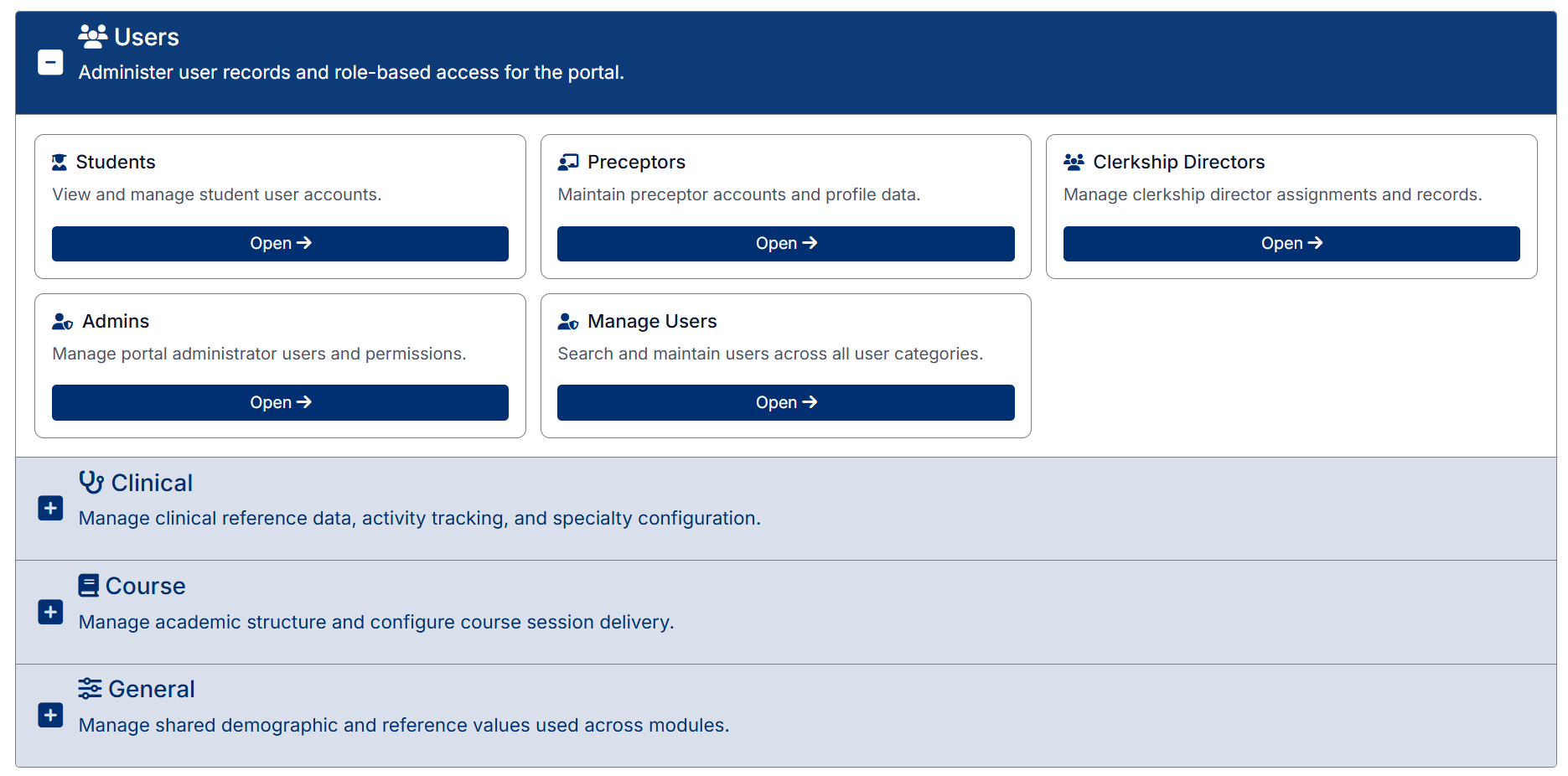
User management is organized into the following sections:
- Students – Manage student user accounts and related information
- Preceptors – Maintain preceptor accounts and profile data
- Clerkship Directors – Manage clerkship director records and assignments
- Admins – Manage administrator access to the Admin Portal
- Manage Users – Search and manage users across all user types
Each section provides tools to add, edit, and manage users specific to that category.
Created with the Personal Edition of HelpNDoc: Full-featured Kindle eBooks generator