Clinical Management

Clinical Management Overview
The Clinical Management section allows administrators to configure and maintain the core clinical data used throughout the system. This includes the reference data, structures, and definitions that support student assessments, clinical tracking, and reporting.
This section plays a critical role in ensuring consistency across the Student, Preceptor, and Clerkship Director portals by defining the clinical framework used in evaluations and activities.
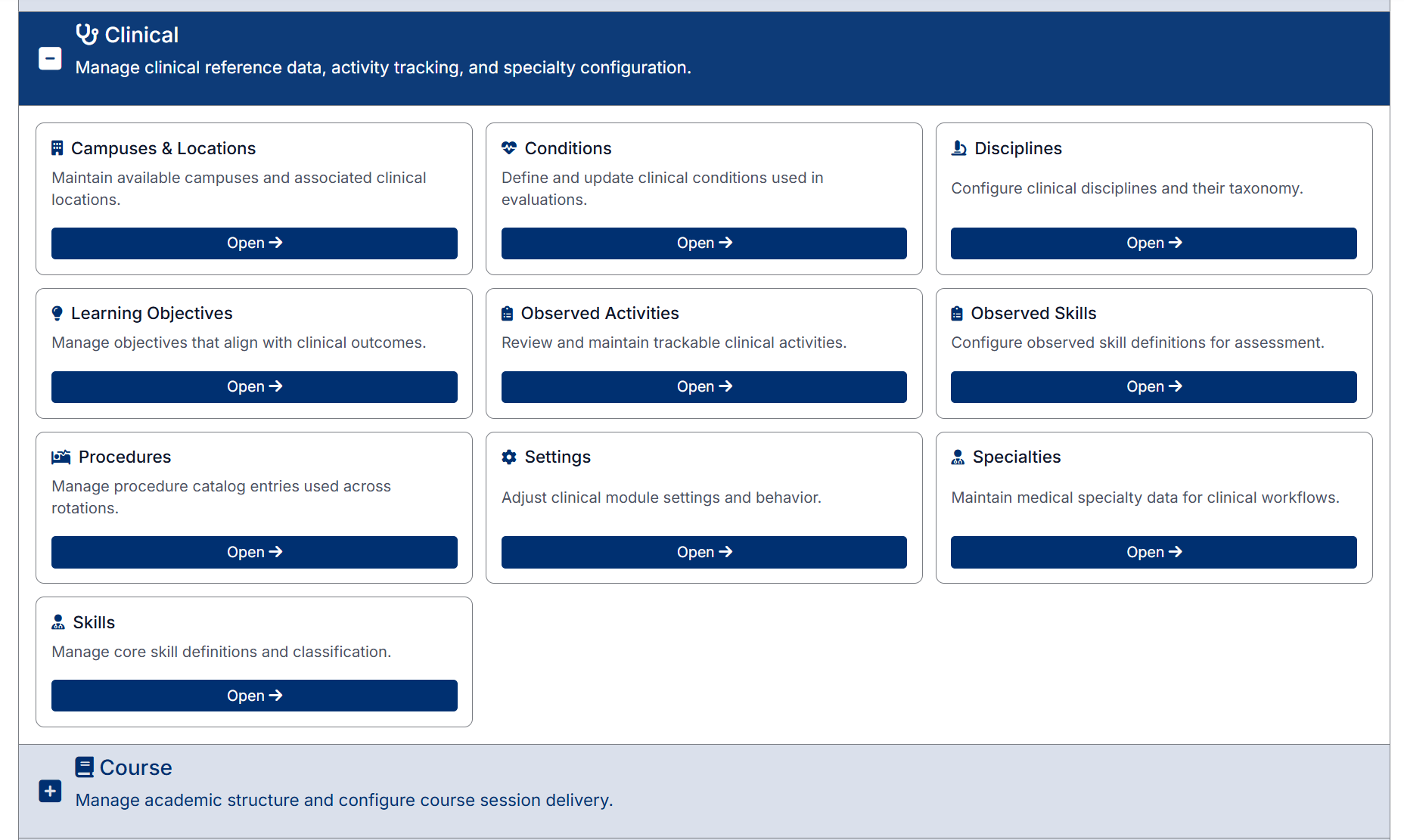
What You Can Do in Clinical Management
Within this section, administrators can:
- Define and manage clinical locations and campuses
- Configure conditions, procedures, and specialties used in assessments
- Maintain disciplines and taxonomy structures
- Manage learning objectives aligned to clinical outcomes
- Configure observed activities and skills for tracking and evaluation
- Adjust clinical settings and system behavior
Navigating the Clinical Section
The Clinical Management area is accessible from the dashboard or the left-hand navigation menu.
Each item within this section is presented as a tile. To access a specific area:
- Click Open on the relevant tile
or - Expand Clinical in the left-hand navigation menu and select the desired option
How This Section is Used
The data configured in Clinical Management is used across the system to:
- Support student assessments and evaluations
- Enable activity and skills tracking
- Standardize clinical terminology and classifications
- Ensure accurate and meaningful reporting
Important Notes
- Changes made in this section may impact multiple areas of the system
- It is recommended that only authorized administrators manage clinical configuration
- Ensure consistency when creating or updating reference data, as it will be used across assessments and reports
Created with the Personal Edition of HelpNDoc: Powerful and User-Friendly Help Authoring Tool for Markdown Documents